 Glyphfield
Contributing
Extend Glyphfield while keeping the visual Studio, portable source, browser automation, deterministic APIs, docs, exports, and tests in parity.
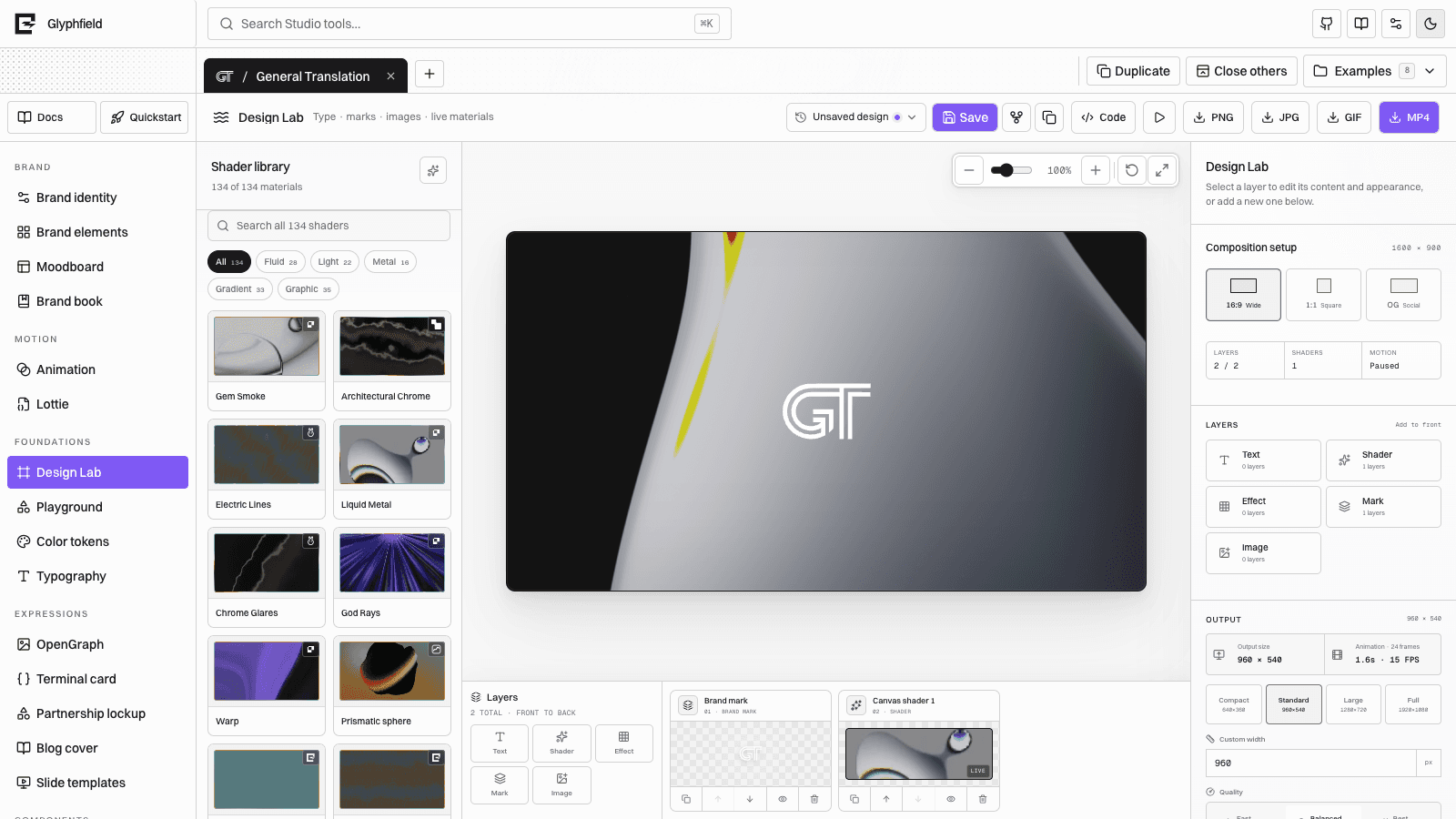
Glyphfield is an open-source local-first brand studio. A complete contribution updates the user-facing behavior and every public contract that represents it. The goal is not merely to make a new control appear; it is to keep preview, source, persistence, automation, documentation, and export resolving from the same state.
Development setup
git clone https://github.com/Kevin-Liu-01/Glyphfield.git
cd Glyphfield
corepack enable
pnpm install --frozen-lockfile
pnpm dev
Development runs at http://localhost:3012.
Before opening a change, run the checks appropriate to its scope:
pnpm typecheck
pnpm test
pnpm lint
pnpm build
Documentation-only changes should still run docs generation/typecheck and the focused documentation tests. Visual changes should also be inspected in the real browser at representative desktop and mobile widths.
Architecture map
| Area | Primary owner |
|---|---|
| Projects, tabs, active identity/tool | src/components/StudioApp.tsx |
| Public Studio tool catalog | src/lib/studioCatalog.ts |
| Tool-to-editor rendering | src/components/StudioToolWorkspace.tsx |
| Design Lab composition and export | src/components/ShaderLabStudio.tsx |
| Portable canvas scene graph | src/lib/canvasDocument.ts |
| Design Lab source adapter | src/lib/designLabDocument.ts |
| Shared persistent editor state | src/hooks/ and src/lib/savedDesigns.ts |
| Browser automation | src/lib/studioAutomation.ts plus each tool adapter |
| Agent discovery and generation | src/lib/agentApi.ts, agentCatalog.ts, agentGeneration.ts |
| Human and machine docs | content/docs/**, /llms.txt, generated /llms-full.txt |
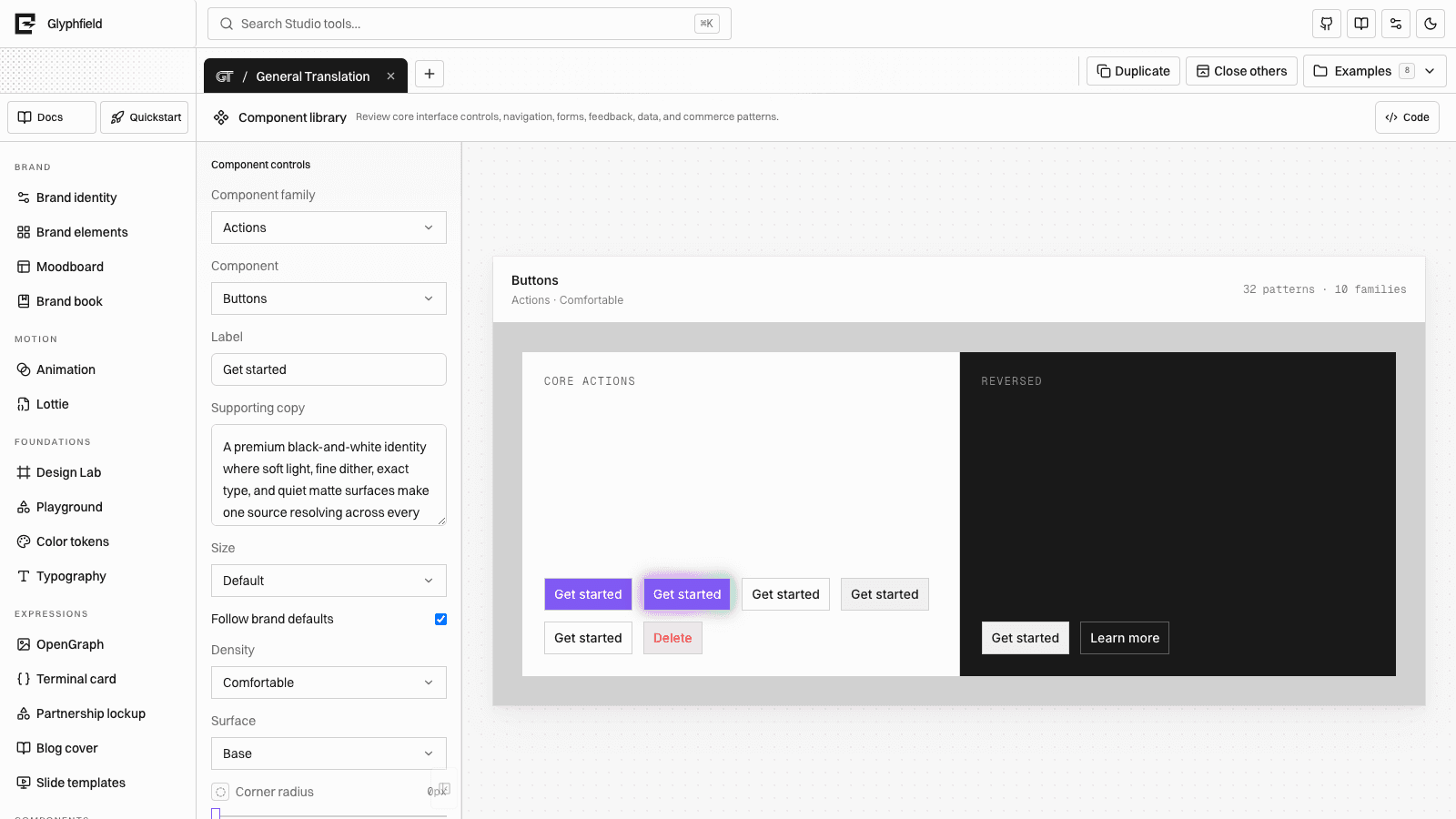
| Shared Studio controls | src/components/StudioControls.tsx, CanvasViewport.tsx, and related editor components |
Read the repository AGENTS.md, root SKILL.md, and the nearest directory SKILL.md before changing these owners.
Core invariants
- Preview, source, saved state, and export must use the same resolved configuration.
- Public tool IDs come from
STUDIO_TOOLS; Design Lab's public ID ismaterial. - Canvas layer order comes from
page.elementIdsand must retain stable element/asset IDs. - Source changes go through the owning validator. Never mutate browser storage or component internals as a substitute.
- Every editable color uses the shared color component and normalization path.
- Every scrollable Studio region uses the shared minimal scrollbar treatment.
- Browser exports run serially and return a non-empty Blob with matching filename/MIME data.
- GIF repeat and visual loop closure are different checks.
- MP4 codec failures remain explicit; do not substitute another format silently.
- Shader/material counts and tool counts come from live catalogs, not prose constants.
- Preserve unrelated work in an already-dirty checkout.
Add or change a Studio tool
Follow the parity chain in order:
- Catalog — add or update the public entry in
studioCatalog.ts. - Workspace — map the tool to its editor in
StudioToolWorkspace.tsx. - State — define one authoritative state model, persistence keys, and initialization behavior.
- Preview — render from that state with shared canvas/color/select/layer systems.
- Source — serialize and validate every meaningful editable field.
- Browser API — expose accessible controls, source support, and tool-specific actions.
- HTTP — update deterministic generation only when the feature can be represented without the browser.
- Export — render from the same source and validate returned bytes.
- Documentation — update the tool guide, capability matrix, agent guidance, examples, and processed Markdown.
- Tests — cover catalog visibility, source round trip, persistence, automation, and output.
Do not create an agent-only renderer that approximates an authentic browser visual. Use the Browser API for Canvas, WebGL, local fonts/files, and browser codecs.
Reuse editor systems
Prefer shared components over one-off controls:
ColorControlfor HEX, OKLCH, native picker, and opacity.CanvasViewportfor fit, reset, zoom, pan, and intrinsic output geometry.EditableCanvasLayerplusCanvasLayerPanelfor selection, transforms, order, and keyboard nudge.SourceCodeDrawerfor validated visual/source parity.StudioSelectfor consistent accessible selection.LogoAppearanceControlsfor inversion, outline, dither, and shadow.usePortableCanvasWorkspacefor portable source plus autosave.window.glyphfield.studioadapters for agent-visible labels and actions.
See Editor systems and plugins before adding a new primitive.
Change a source schema
Schema changes require an explicit compatibility decision:
- Update types and serializer.
- Validate the new field and reject malformed values without partial mutation.
- Add a migration when older durable documents must remain supported.
- Preserve stable IDs, ordering, asset records, and unknown metadata.
- Update Browser API descriptions and source examples.
- Update HTTP response/request schemas when relevant.
- Add current round-trip, old-version migration, and future/invalid-version tests.
- Update Version compatibility.
Never make removing a version field the recommended way to open an unsupported document.
Change an export
Test the complete terminal result:
| Output | Minimum proof |
|---|---|
| SVG | Non-empty UTF-8 SVG, declared dimensions, valid MIME/filename |
| PNG/JPG | Non-empty decoded image, exact dimensions, expected alpha/background |
| GIF | Multiple changing frames, expected duration/FPS, protected colors, actual seam |
| MP4 | Playable video, expected dimensions/duration, browser codec result, required audio track |
| Complete page set, print geometry, legible text and links | |
| JSON/Lottie | Parser accepts it, source re-applies, visible result matches |
Use small fixtures for focused tests, then visually verify a realistic composition. Do not infer success from a resolved Promise alone.
Document a feature
Update documentation in the same change as behavior:
- Add the page to the nearest
meta.jsonnavigation list. - State the owner, input, output, limits, persistence, and completion rule.
- Use actual product names and link to exact reference pages.
- Include a current screenshot when the visual structure matters.
- Avoid hardcoded catalog counts; point to live discovery endpoints.
- Confirm the processed
.mdroute and/llms-full.txtcontain the guidance. - Update
/llms.txtonly for compact, high-value agent routing.
Use the existing MDX components for path cards, feature grids, system grids, and media rather than introducing page-local visual wrappers.
Tests and review
Start with the narrowest affected test, then widen:
pnpm vitest run src/lib/__tests__/documentationCoverage.test.ts
pnpm typecheck
pnpm test
pnpm lint
pnpm build
For UI work, review:
- Desktop and narrow/mobile layout.
- Light and dark themes.
- Keyboard-only operation and visible focus.
- Reduced motion where animation is automatic.
- Empty, loading, error, restored, and long-content states.
- Source apply/reset and browser reload.
- One authentic exported artifact.
Security and privacy
- Keep remote URL fetching disabled unless a separately reviewed feature requires it.
- Bound request bodies, image geometry, and generated work.
- Never commit secrets, local browser data, or proprietary user assets.
- Keep generation stateless unless a persistence feature explicitly defines ownership and deletion.
- Treat production firewall state as deployment infrastructure and verify it separately.
- Preserve third-party license and attribution notices.
See API security and Storage and privacy.
Pull request handoff
A useful handoff explains:
- The user-facing behavior changed.
- The state/source owner and compatibility decision.
- API or Browser API parity.
- Persistence and export implications.
- Tests run and visual states inspected.
- Any unsupported browser or migration boundary.
- Documentation and attribution updates.
See Capability matrix, Accessibility, and Self-hosting.