 Glyphfield
Artifacts
Choose, produce, verify, preserve, and reuse every Glyphfield output format.
An artifact is a portable result produced from an identity and an exact configuration. Keep the editable source beside the rendered output whenever the work may need another size, language, material frame, or motion encoding later.
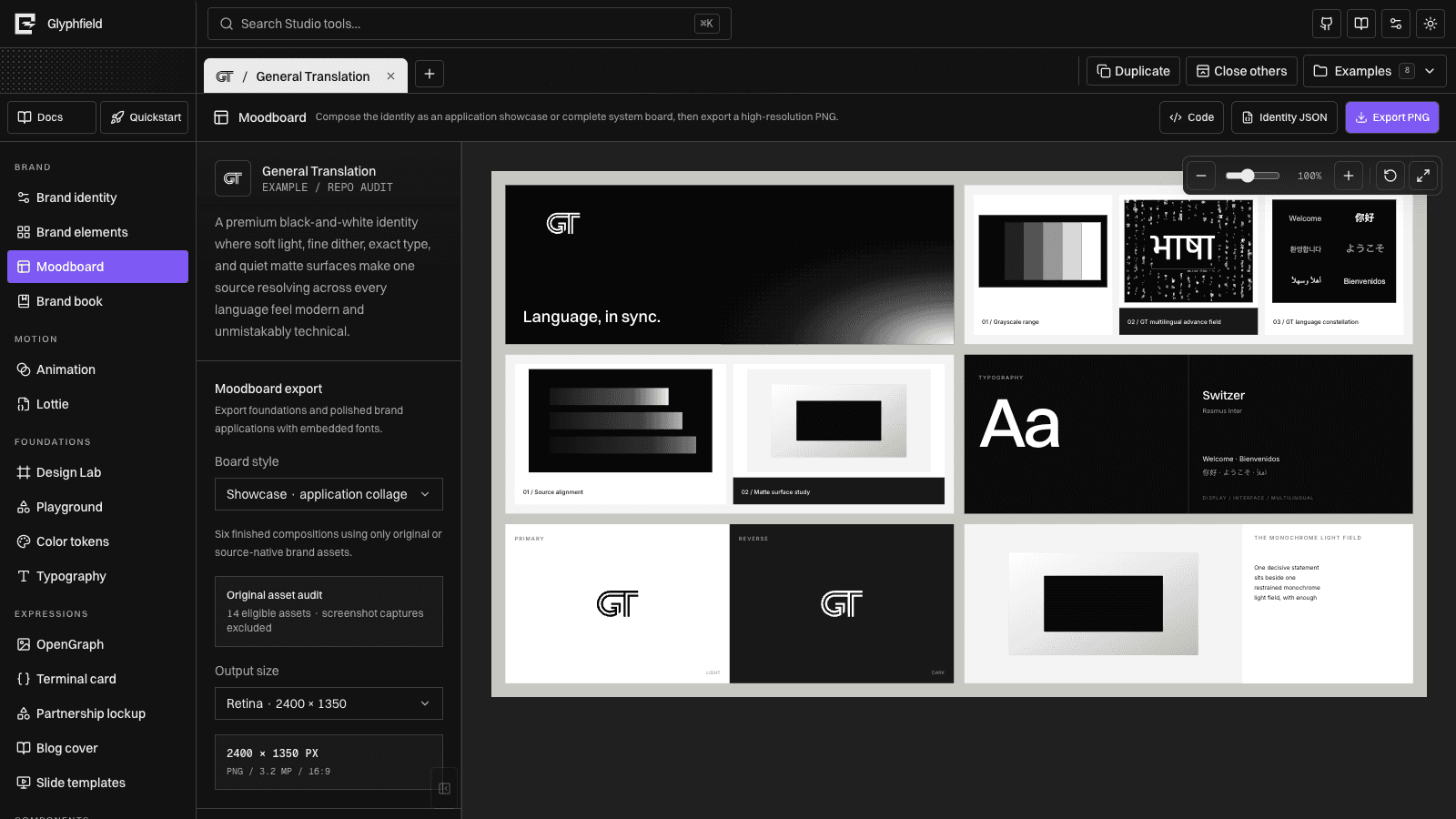
Output map
| Output | Produced by | Best use |
|---|---|---|
| SVG | HTTP backgrounds and templates | Canonical deterministic vector artifact, source control, downstream rasterization |
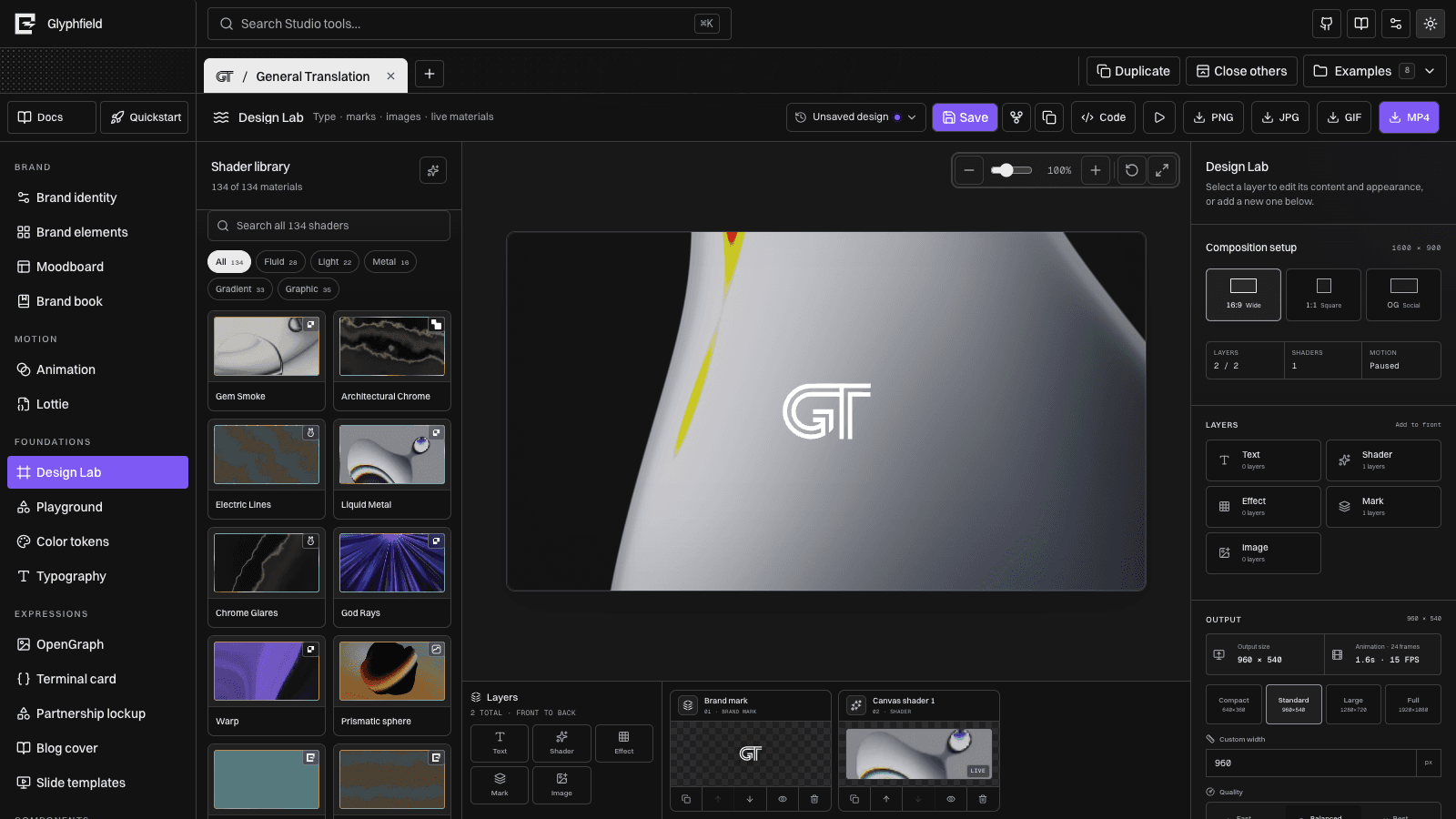
| PNG | Design Lab, Moodboard, Lottie frame, OpenGraph, Terminal, Partnership, Blog, Slides | Lossless stills, transparency, exact browser composition |
| JPG | Design Lab | Smaller opaque photographic/material stills |
| GIF | Design Lab and Animation | Portable short motion, email/docs, transparent or palette-constrained loops |
| MP4 | Design Lab and Animation | Higher-fidelity motion; Animation can include mixed audio |
| Brand book print/export | Shareable identity standards snapshot | |
| JSON | Identities, briefs, source documents, Lottie | Editing, automation, handoff, regeneration |
.lottie | Lottie | Original compact vector animation archive |
Production paths
Deterministic HTTP
Use POST /api/generate for repeatable SVG, structured briefs, and apply-ready Design Lab sequence source. The request is validated against the current GET contract and does not silently alter a browser project.
Authentic browser rendering
Use Studio or window.glyphfield.studio when the output depends on Canvas, WebGL, local files, local fonts, visual transforms, Lottie, frame capture, or browser codecs. Programmatic export uses the same live renderer as the visible UI.
Combined
Generate a Design Lab document through HTTP, apply it in the browser, inspect it, then export PNG/JPG/GIF/MP4. This separates deterministic authoring from authentic rendering without creating two visual implementations.
Definition of done
For every artifact:
- Confirm the intended identity and source revision.
- Inspect the rendered composition when visual output is requested.
- Confirm dimensions, format, transparency/opacity, and filename.
- Require a non-empty response body or Blob.
- For motion, inspect multiple frames and the loop seam; for MP4 audio, confirm the track.
- Retain the portable source or named saved design when regeneration matters.
Continue with Formats and portability, Download and use artifacts, and Backup and restore.