 Glyphfield
Browser support
Understand the browser capabilities required for Studio editing, persistence, WebGL materials, local files, GIF, MP4, Lottie, and PDF.
Glyphfield uses progressive browser capabilities rather than a single browser-name gate. The documentation and deterministic HTTP API work with ordinary modern web features; Studio output depends on the graphics, storage, file, and codec capabilities required by the active tool.
Capability matrix
| Capability | Required for | Degraded or failure behavior |
|---|---|---|
| JavaScript, modules, CSS grid/flex | All pages | Glyphfield does not provide a no-JavaScript Studio |
Canvas 2D and canvas.toBlob() | PNG, JPG, GIF preparation, many previews | Still or motion export reports that Canvas rendering/encoding is unavailable |
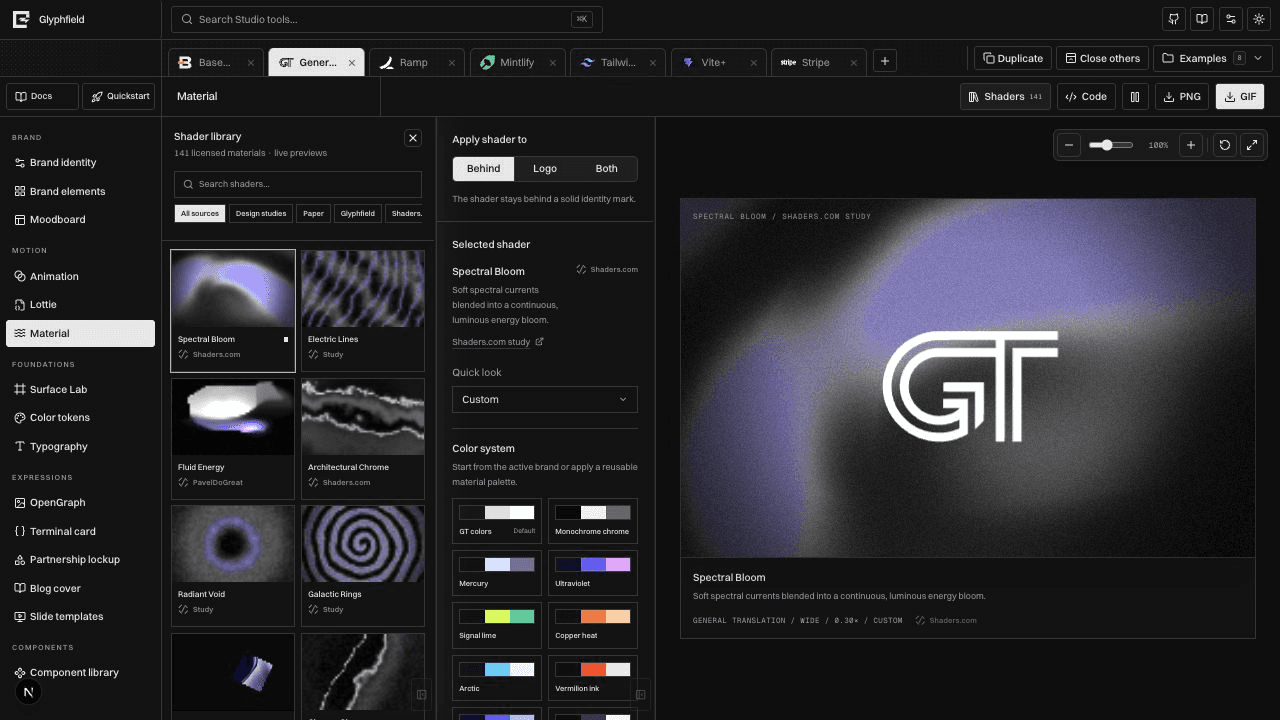
| WebGL or WebGL2 | Live Shader Library materials and authentic shader motion | Some previews can use a representative still; an authentic motion export must not be claimed from that fallback |
| IndexedDB | Named designs, complete autosaves, converted Design Lab assets | Persistence reports unavailable; copy current source before leaving the page |
localStorage | Projects, tabs, preferences, drafts, recovery journal | State may not survive reload; private or restricted contexts can block writes |
| File, Blob, object URLs, image decoding | Local images, logos, fonts, Lottie, audio, downloads | The affected input or artifact fails explicitly |
| Browser video encoder exposed through the MP4 pipeline | MP4 | Export reports codec unavailability; Glyphfield does not silently substitute GIF |
| Web Audio decoding/encoding | Animation audio and MP4 audio track | Visual export may remain possible, but required audio must be treated as incomplete |
| Print/PDF support | Brand Book PDF | Use the browser print dialog; pagination can vary with print settings |
Baseline recommendation
Use a current desktop browser with hardware acceleration enabled, normal persistent storage, downloads allowed, and enough memory for the selected canvas size. Motion rendering is substantially more demanding than browsing documentation or exporting a small still.
For production verification, test the actual target browsers rather than inferring support from a user-agent string. MP4 and WebGL availability can differ across operating systems, GPU drivers, browser settings, and managed-device policies.
Detect features at runtime
An integration can perform a small preflight before opening a large job:
const canvas = document.createElement('canvas');

const support = {
  canvas2d: Boolean(canvas.getContext('2d')),
  webgl: Boolean(canvas.getContext('webgl2') || canvas.getContext('webgl')),
  indexedDb: 'indexedDB' in window,
  localStorage: (() => {
    try {
      const key = 'glyphfield-capability-check';
      localStorage.setItem(key, '1');
      localStorage.removeItem(key);
      return true;
    } catch {
      return false;
    }
  })(),
};
This is a coarse check. The definitive test for MP4 is starting the real encoder, and the definitive test for a material is rendering it through the active Glyphfield adapter.
WebGL behavior
Material cards budget GPU work: offscreen previews pause, visible cards use reduced render scale, and hidden pages stop live canvases. Some materials require WebGL2; others can render with a WebGL-compatible adapter.
If a context is lost, Glyphfield attempts bounded recovery. When recovery cannot restore the renderer, retain the source and use a different supported environment. A static thumbnail demonstrates the intended look but does not prove that a requested animated file contains real motion.
Motion and memory
Export cost grows with width × height × frame count. A four-second 1920-pixel animation at 30 FPS requires far more memory and GPU/CPU work than a 960-pixel 15 FPS proof.
When a browser is under pressure:
- Save and copy the current source.
- Close duplicate Studio tabs and stop live sequence preview.
- Export one format at a time.
- Test at a smaller width or frame rate.
- Return to final dimensions only after the pipeline succeeds.
Lowering the proof settings is a diagnostic step, not permission to deliver a lower-quality artifact than requested.
Private browsing and embedded webviews
Private browsing, strict tracking protection, sandboxed iframes, and embedded webviews can limit storage, downloads, file selection, clipboard access, WebGL, or codecs. Glyphfield may remain visually usable while persistence or export is unavailable.
Do not rely on browser-local saves in an ephemeral profile. Copy source and download artifacts during the same session.
Reduced motion
Glyphfield respects reduced-motion intent where automatic previews can be paused or held on a representative frame. Exported motion remains an explicit user action. Products embedding exported animation should provide a still alternative and honor prefers-reduced-motion in playback behavior.
Browser acceptance test
For every supported production environment:
- Load
/docsand/studiowithout console-fatal errors. - Create a project and confirm it survives reload.
- Open Design Lab and render a WebGL material.
- Import a small authorized image and confirm it survives a source round trip.
- Export PNG and confirm MIME type, dimensions, and non-zero bytes.
- Export a short GIF and inspect multiple frames plus the seam.
- Export MP4 and confirm video playback; verify audio when required.
- Open a saved design after reload and compare it to the exported proof.
See Troubleshooting, Formats and portability, and Accessibility.
Version compatibility
Identify Glyphfield API, CanvasDocument, Design Lab, saved-design, and Lottie versions and migrate without losing newer state.
Self-hosting
Run Glyphfield locally or in production with its dynamic docs, generation routes, browser-local persistence, and rendering boundaries intact.