 Glyphfield
Skills overview
Install and combine focused Glyphfield skills for editable composition, deterministic generation, live Studio operation, and verified export.
Glyphfield ships four installable Agent Skills in the repository's skills/ directory. Each package turns part of the product contract into a focused procedure an agent can load only when the matching task appears.
Included skills
| Skill | Invoke it for | Main boundary |
|---|---|---|
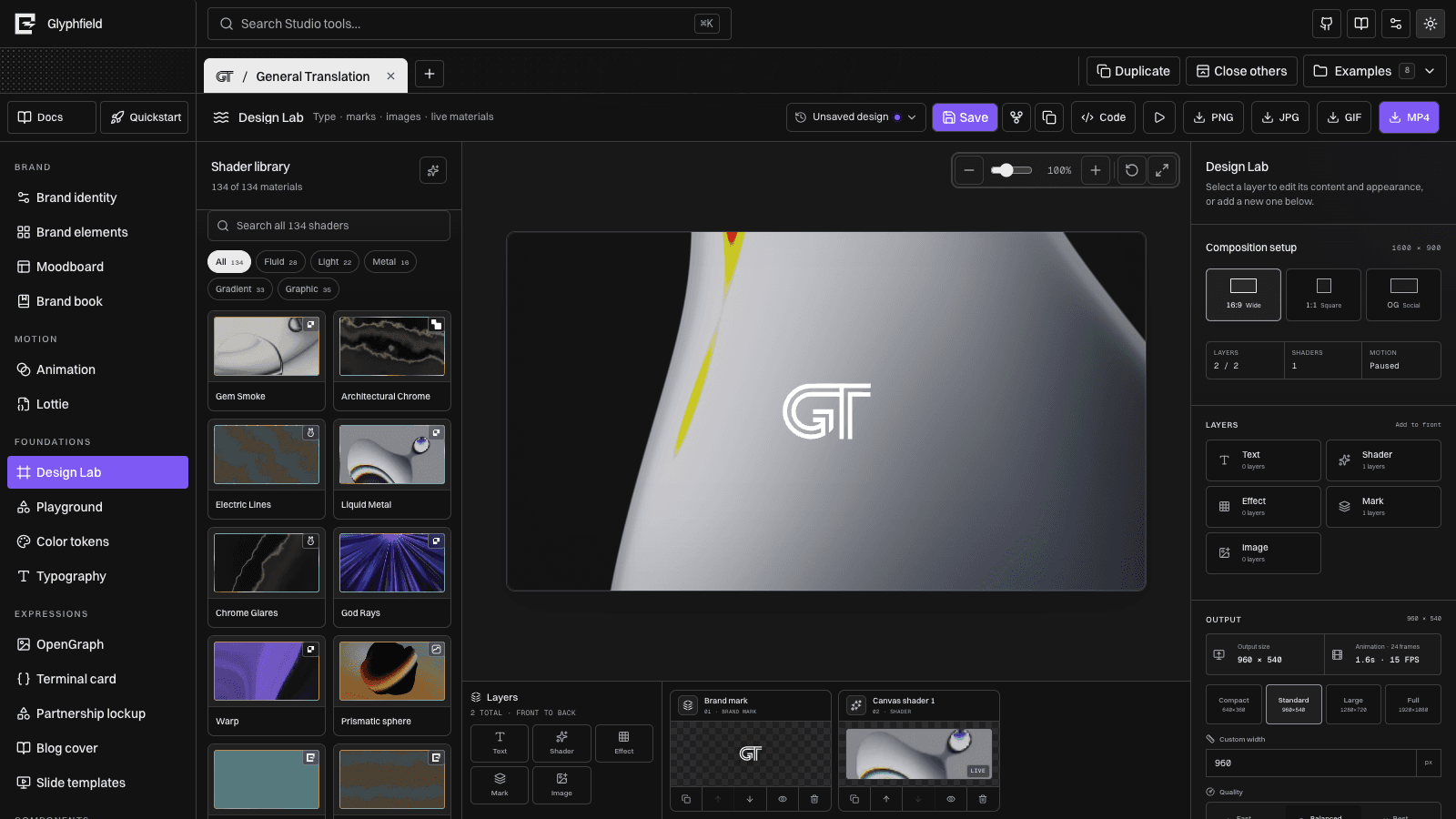
$glyphfield-create | Layered Design Lab compositions, saved designs, shaders, text, effects, marks, images, and stickers | Produces or revises editable visual composition state |
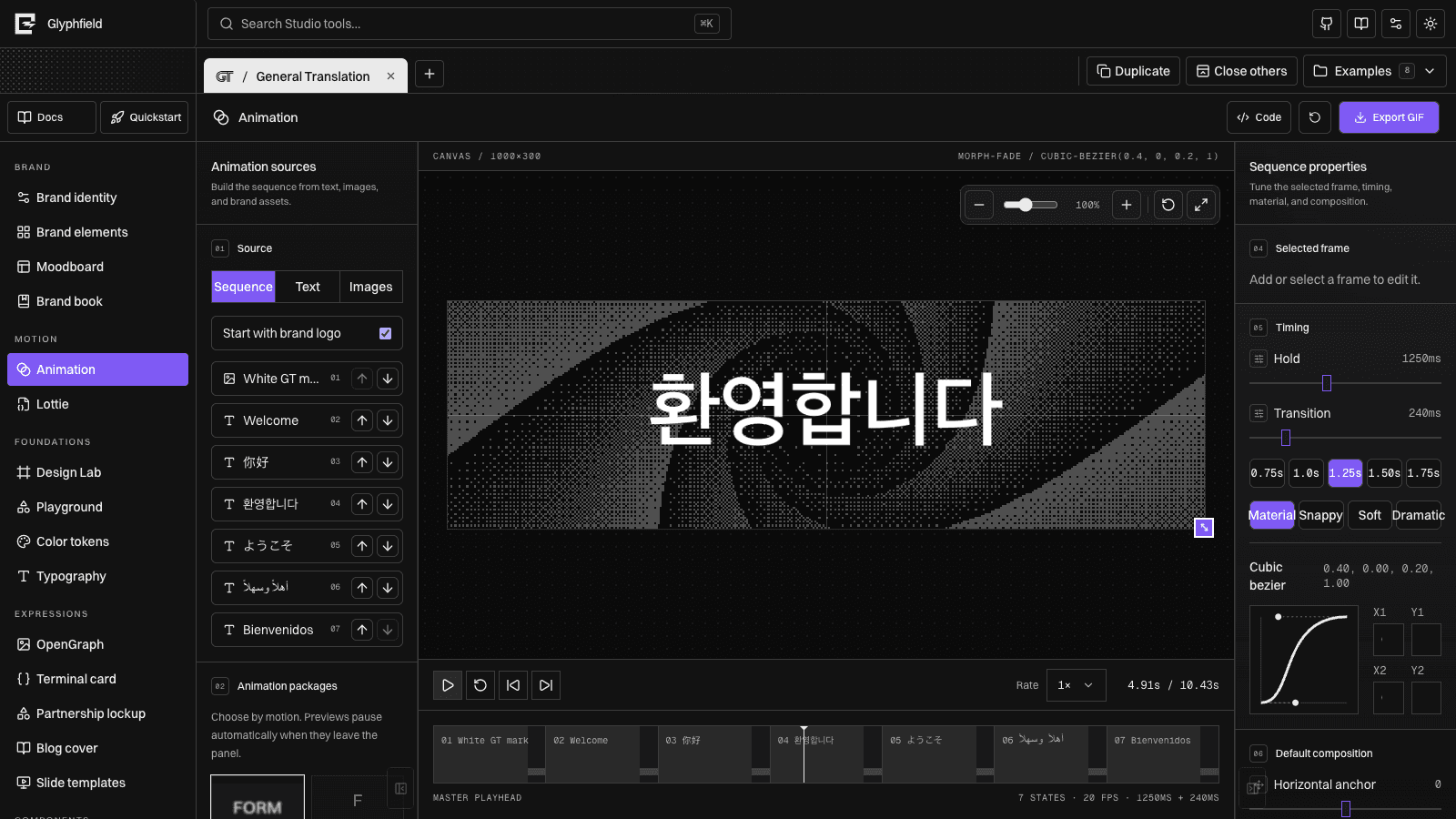
$glyphfield-api | Catalog discovery, deterministic SVG/JSON generation, batch work, and Design Lab sequence creation | Uses the versioned HTTP contract without assuming an open project |
$glyphfield-studio | Live browser projects, accessible controls, exact source edits, local files, Canvas, WebGL, and Lottie | Operates window.glyphfield.studio and the authentic browser renderer |
$glyphfield-export | SVG, PNG, JPG, GIF, MP4, PDF, JSON, .lottie, loop checks, audio checks, and export diagnosis | Verifies the actual artifact rather than trusting an action result |
Install
Each folder is self-contained: SKILL.md is the routing entrypoint, agents/openai.yaml supplies client metadata, and references/ holds conditional detail.
For Codex, copy or link only the packages you want into $CODEX_HOME/skills. When CODEX_HOME is unset, use ~/.codex/skills. Agent Skills-compatible clients can install the same folders through their normal local-skill mechanism.
Repository contributors do not need to install a second copy. The root AGENTS.md routes work to the checked-in packages directly. Installing makes automatic discovery and explicit $skill-name invocation available from outside this checkout.
skills/
├── glyphfield-create/
│   ├── SKILL.md
│   ├── agents/openai.yaml
│   └── references/design-lab.md
├── glyphfield-api/
├── glyphfield-studio/
└── glyphfield-export/
Choose narrowly
Use the skill whose description matches the immediate outcome:
- “Build a poster with two text layers and Gem Smoke” →
$glyphfield-create. - “Generate 40 slide SVGs from JSON” →
$glyphfield-api. - “Update the open General Translation project without losing its layers” →
$glyphfield-studio. - “Download a seamless GIF and confirm the text does not flash” →
$glyphfield-export.
Do not load every skill by default. Add another only when the workflow crosses its boundary.
Compose skills
The packages are designed to hand work to one another without blurring responsibilities.
| Outcome | Sequence |
|---|---|
| Deterministic SVG batch | $glyphfield-api → validate returned SVG |
| Existing Design Lab revision | $glyphfield-create → $glyphfield-studio for browser-native inspection |
| Shader video from a generated brief | $glyphfield-api → $glyphfield-studio → $glyphfield-export |
| Existing Animation export | $glyphfield-studio → $glyphfield-export |
Catalog IDs, enums, accessible labels, and tool counts come from Glyphfield instead of memory.
Agents retain unknown fields, stable IDs, assets, pages, ordering, and current schema versions.
Browser-native Canvas, WebGL, local files, fonts, and codecs stay on the authentic Studio path.
Source is re-read, visuals are inspected, and exported bytes, MIME, dimensions, frames, loops, and audio are checked.
Continue with Choose the right interface, Agent recipes, or the Studio Browser API.