 Glyphfield
Export
Use $glyphfield-export to produce and verify still, motion, document, data, and Lottie artifacts.
$glyphfield-export owns the terminal artifact. Use it whenever the request involves downloading, rendering, dimensions, transparency, motion loops, audio, or diagnosing a file that differs from its preview.
Choose the owning renderer
| Output | Renderer |
|---|---|
| Template or background SVG | Deterministic HTTP generation |
| Design Lab PNG, JPG, GIF, MP4 | Live Studio Canvas/WebGL renderer |
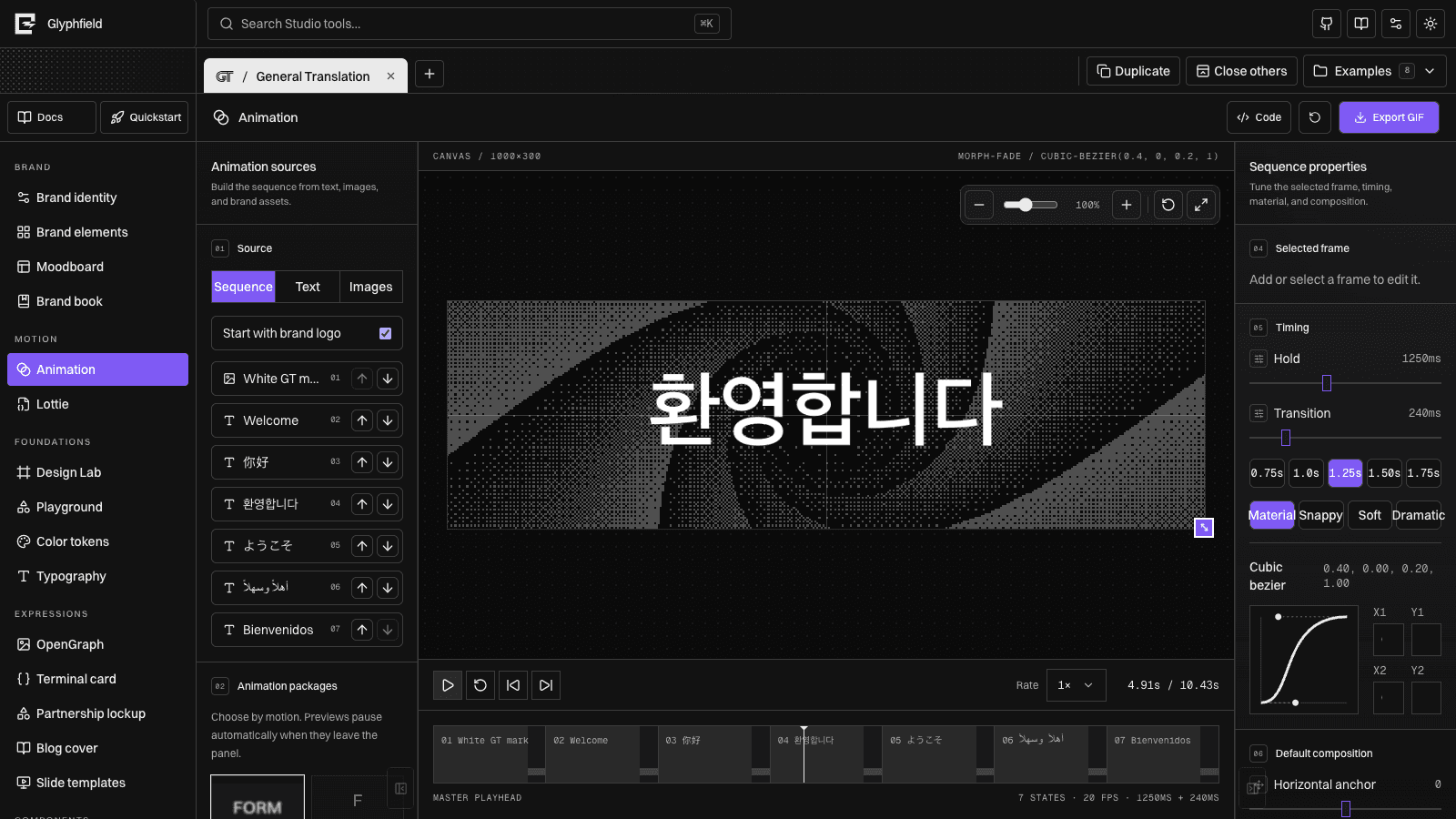
| Animation GIF or audio-aware MP4 | Animation workspace |
| Brand Book PDF | Browser print workflow |
| Identity, canvas, or Lottie JSON | Owning Studio tool |
.lottie bundle | Lottie workspace |
Browser API pattern
const studio = window.glyphfield.studio;
const artifact = await studio.invoke('design.export', {
  format: 'png',
  download: false,
});

if (!(artifact.blob instanceof Blob) || artifact.blob.size === 0) {
  throw new Error('Glyphfield returned an empty export.');
}
Call studio.download(artifact) only after verification and only when the user asked to save the file.
Motion rules
- Run GIF and MP4 exports serially because they share live canvases and browser encoders.
- Use
mode: "shader-sequence"only for GIF or MP4. - A GIF has no audio; choose MP4 when the requested motion needs an audio track.
- A loop flag is not proof of a seamless loop. Compare the last and first displayed frames and inspect the transition at normal playback speed.
- Inspect multiple frames for shader motion, text-color stability, clipping, and unexpected layout shifts.
- If MP4 encoding is unavailable, report it and preserve source rather than silently substituting GIF.
Completion proof
Confirm non-empty bytes, filename, MIME type, extension, dimensions, and transparency behavior. For GIF and MP4, inspect multiple decoded frames and loop continuity. For MP4 with audio, verify the audio stream itself instead of assuming the UI state was muxed.
See Download and use artifacts for format-specific handling and Agent recipes for end-to-end workflows.