 Glyphfield
Color, typography, and tactile backgrounds
Build identity foundations and deterministic tactile surfaces, then use them inside Design Lab and every expression tool.
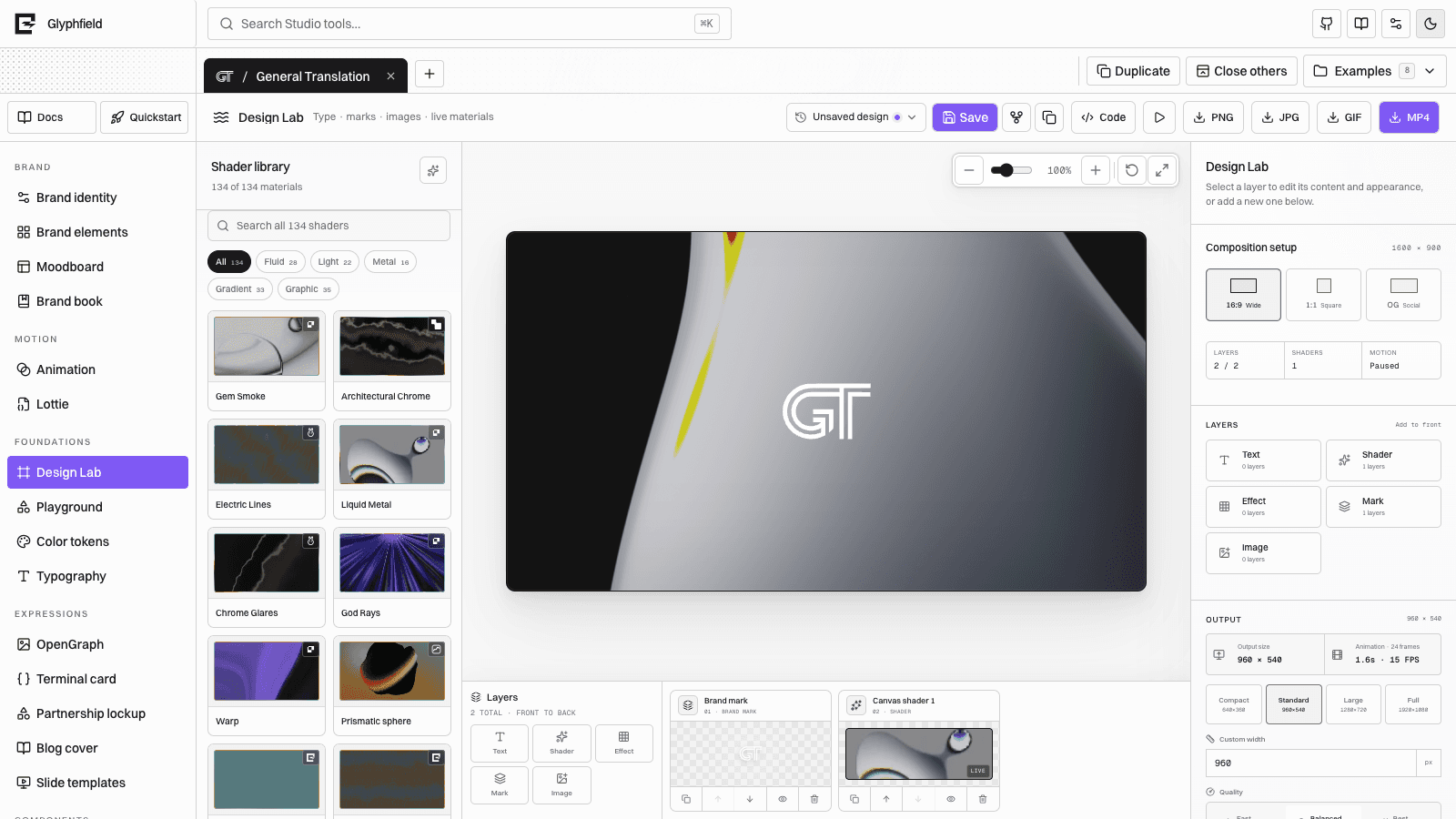
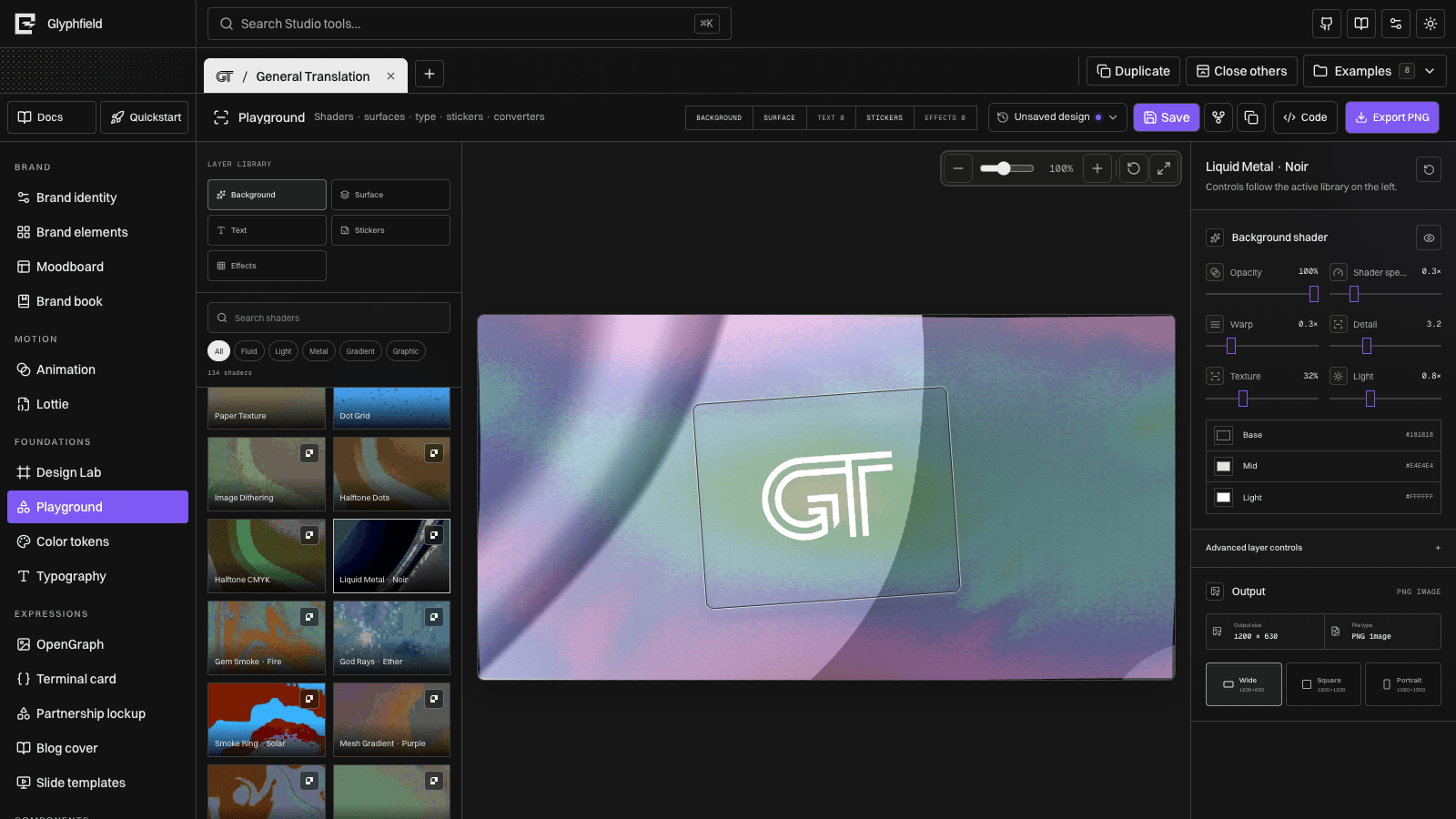
Glyphfield no longer treats physical material, sticker, cloth, shader, type, and artwork as unrelated labs. Design Lab is the composition surface; Color tokens and Typography define reusable foundations; deterministic background generation supplies portable SVG recipes when a live shader is unnecessary.
Color tokens
Color tokens presents the active identity's semantic colors as large swatches with editable HEX and OKLCH values. Opacity remains independent from the color value. Copy tokens produces CSS custom properties while retaining the HEX reference used by SVG and Canvas renderers.
Use Color tokens to:
- Check ink/paper contrast before composing.
- Inspect perceptual lightness in OKLCH.
- Establish emphasis and status roles.
- Confirm a palette works across both light and dark surfaces.
- Supply the same three-color starting point to the Shader Library.
Commit foundational changes in Brand identity when every artifact should inherit them. Tool-local color edits remain part of that artifact.
Typography
Typography compares Display, Body, Accent, and Code roles, weights, spacing, and hierarchy in one specimen. A custom OTF, TTF, WOFF, or WOFF2 file can be loaded into the current browser with the FontFace API.
Uploaded font files are not sent to Glyphfield's HTTP generator. Preserve the authorized font separately or convert a final browser composition to an embedded/raster output when exact typography must travel.
Deterministic tactile backgrounds
POST /api/generate with kind: "background" creates portable SVG from the same background recipe vocabulary published in /api/catalog:
- Linear, radial, mesh, orbit, wave, and bloom gradients.
- Grain and relief.
- Bayer dither with 2×2, 4×4, or 8×8 matrices.
- Dot, line, grid, fiber, speckle, topographic, and crosshatch patterns.
- Wood, wire, perforated metal, stone, paper, metal, foil, polymer, cork, glass, linen, felt, leather, ceramic, plaster, and carbon-inspired tactile structures.
- Texture amount, scale, angle, irregularity, depth, roughness, metallic response, and open area.
- Optional logo placement and tone.
The catalog also publishes CC0 Open PBR references from sources such as Poly Haven and ambientCG. Those entries provide provenance and visual reference. Deterministic SVG generation remains the portable output and does not require WebGL.
curl -fsS -X POST http://localhost:3012/api/generate \
  -H 'Content-Type: application/json' \
  -d '{
    "kind": "background",
    "identity": { "preset": "gt" },
    "settings": {
      "width": 1600,
      "height": 900,
      "style": "grain-gradient",
      "gradient": "mesh",
      "surfaceMaterial": "embossed-paper",
      "surfaceDepth": 36,
      "surfaceRoughness": 72,
      "colorA": "#F5F5F2",
      "colorB": "#181818",
      "colorC": "#7058FF"
    },
    "output": "raw"
  }' -o tactile-background.svg
Put the foundation into Design Lab
Use a generated SVG as an authorized image/background layer, or choose a live shader directly from the shared library. Add text, multiple marks, images, stickers, and converter layers above it. Every layer has its own visibility, transform, ordering, and opacity.
For white artwork on a white sticker border, adjust the mark treatment separately from the cut line: apply an alpha-aware outline, shadow, alternate mark color, or contrasting surface while preserving the sticker's white physical edge.
Use Design Lab for full composition, Shader Library for live material behavior, and Background generation for deterministic SVG.