 Glyphfield
Brand book
Review and export the active identity as a complete editorial standards document.
Brand Book turns the active identity record into a structured, multi-page system document. It is generated from the same strategy, logo, typography, colors, asset library, graphic rules, and applications used by the rest of Studio.
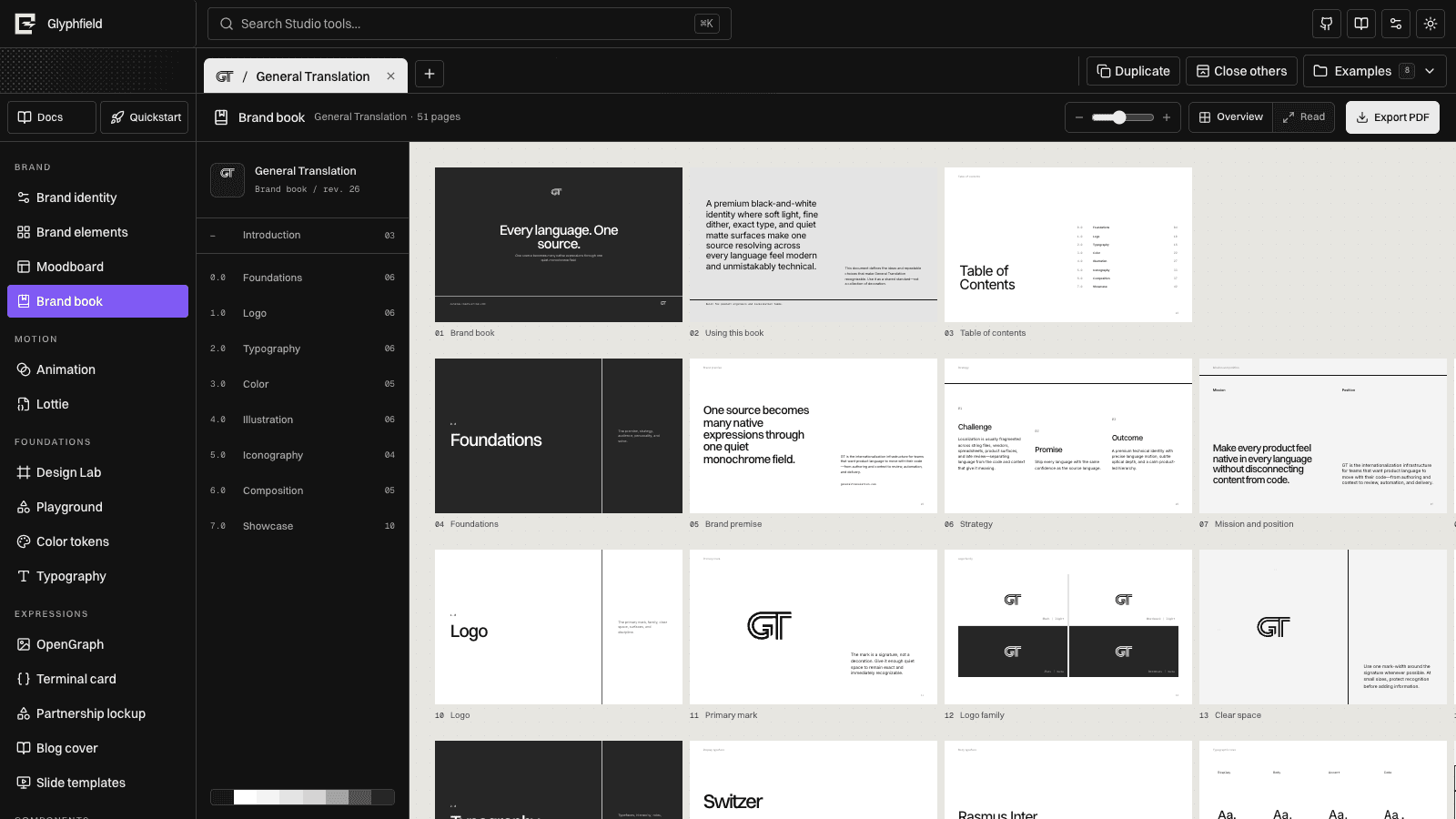
Book structure
The generated book includes:
- Introduction and how to use the system.
- Foundations, promise, strategy, and positioning.
- Logo family, clear space, scale, and surface behavior.
- Typography roles, weights, hierarchy, and specimens.
- Semantic color roles and combinations.
- Illustration, imagery, and signature graphic devices.
- Iconography and interface implications.
- Composition rules and prohibited moves.
- Application showcase across product, editorial, developer, social, event, and physical outputs.
The exact page count changes with the identity's available assets and application records.
Overview and reading modes
Overview presents pages as a contact sheet for fast system review. Read displays a single editorial page at a larger scale. The left chapter index synchronizes with both views.
Zoom changes the reading surface only. It does not alter page dimensions, typography, or PDF output.
Keep it current
Brand Book is derived output. Make foundational changes in Brand identity, then return to the book. Do not duplicate brand rules as book-only copy when they should guide moodboards, templates, motion, components, or agents too.
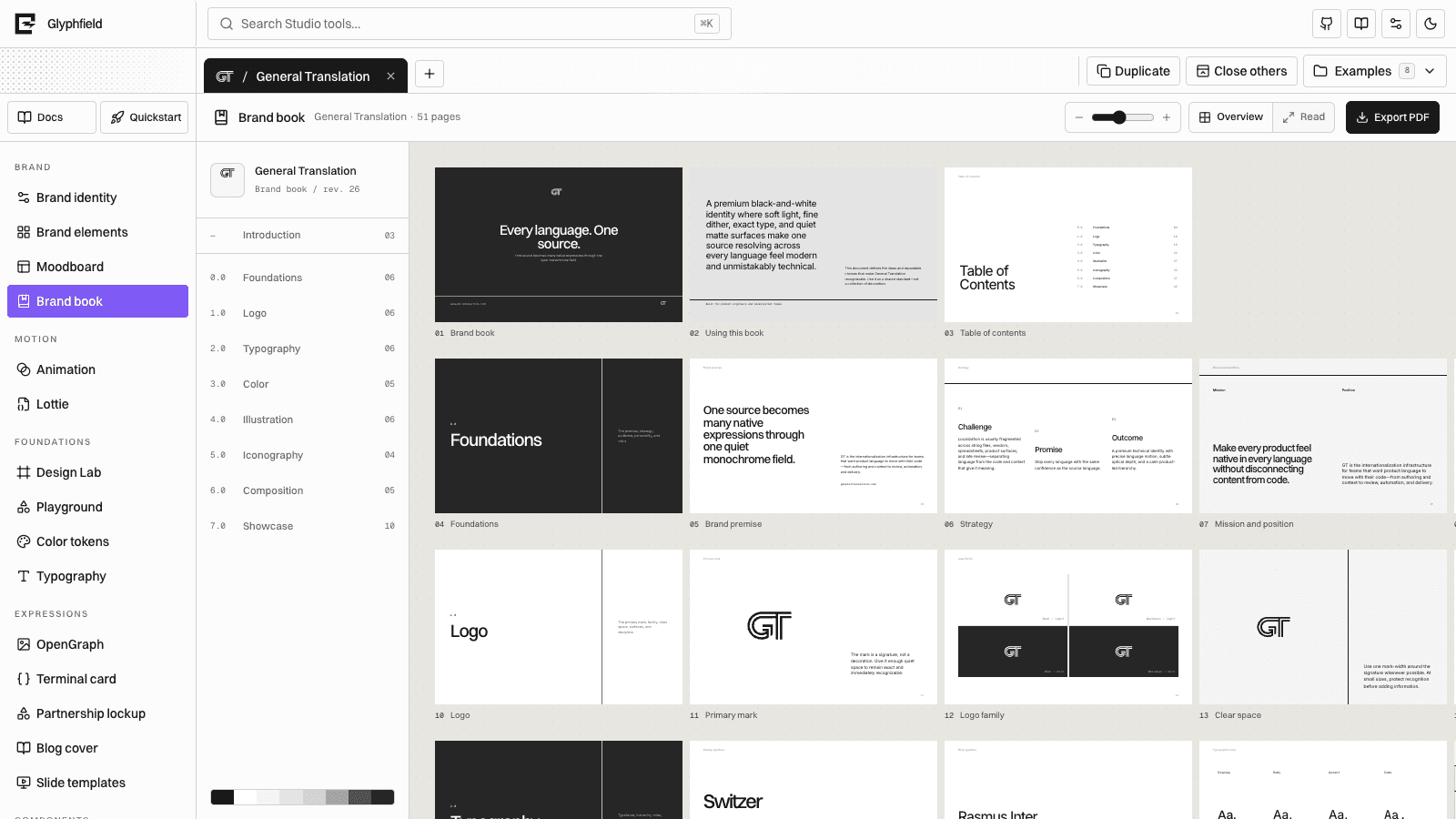
Export PDF
Export produces a paginated PDF from the current generated book. Before exporting:
- Resolve missing logo or font assets.
- Check light and dark mark use.
- Review long strategy text for overflow.
- Confirm reference assets are redistributable when they appear in output.
- Inspect the application showcase for stale project content.
The PDF is a snapshot. Re-export after editing the identity; existing files are not updated in place.