 Glyphfield
Motion overview
Choose between sequence animation, Lottie vector playback, and Design Lab material motion.
Glyphfield includes three focused motion systems: frame-based Animation, a dedicated Lottie editor, and Design Lab for live-material compositions and shader-cut sequences. Animation and Design Lab share the same Shader Library, palettes, shader zoom, and deterministic material-time model.
| Need | Use |
|---|---|
| Move between text, logo, and image states | Animation |
| Edit or composite a Lottie vector document | Lottie |
| Animate a layered poster or a sequence of shaders | Design Lab |
| Choose and tune a live material | Shader Library |
Animation
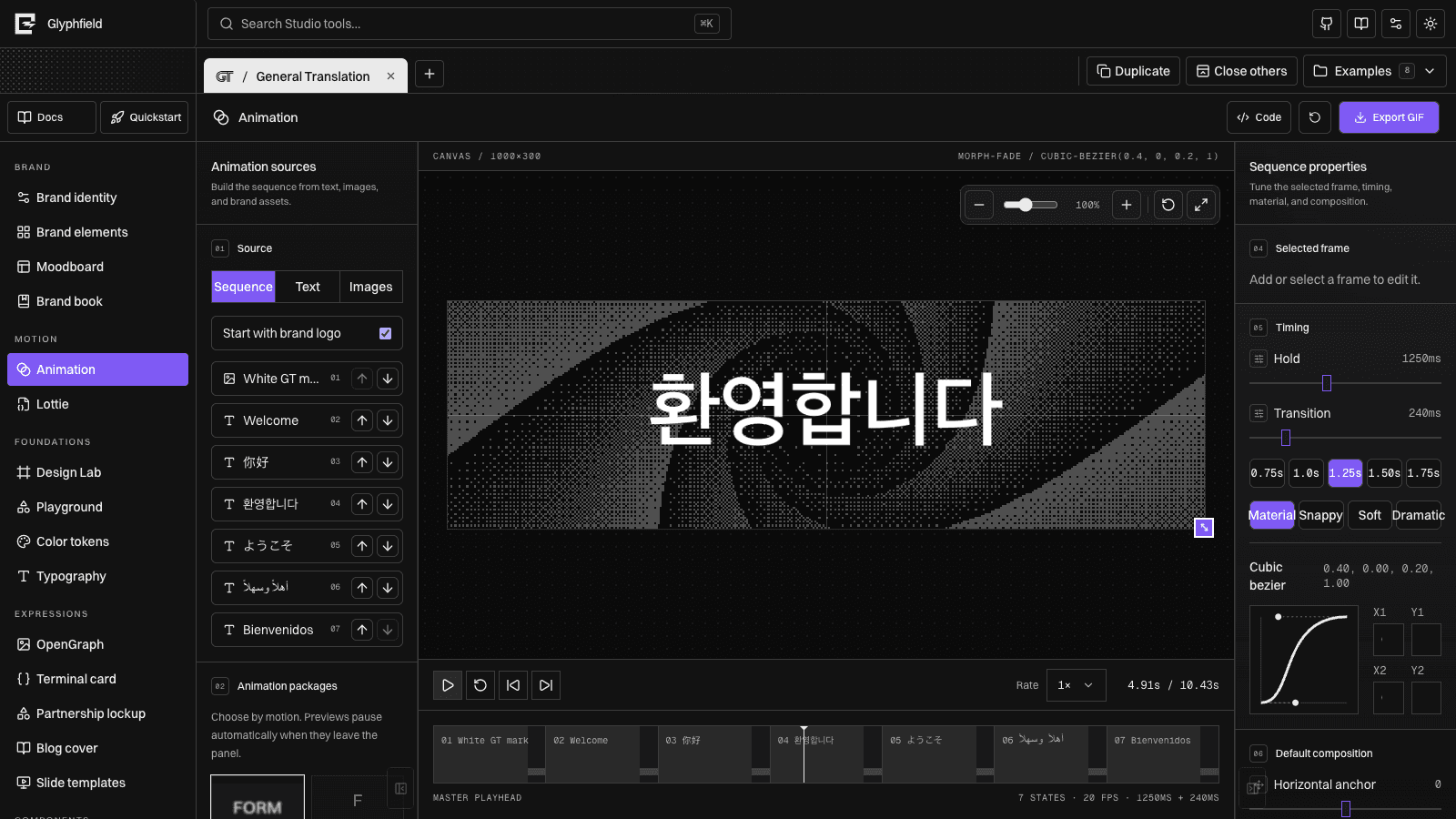
Animation combines text, identity logos, and imported images in one reorderable sequence. The GT example begins with the real GT mark before morphing into its multilingual greetings. Its three-column workspace keeps sources, live animation-package previews, and the background shader gallery on the left; the shared canvas and timeline in the center; and frame, material, easing, timing, and export properties on the right. Select any state to tune its position, scale, rotation, opacity, typography, or image fit without changing the rest of the sequence. Background edits are sequence-wide by default.
Open Code to edit the exact animation configuration as JSON. The source includes the source mode, newline-delimited text frames, logo inclusion, sequence order, global settings, sequenceBackground, backgroundOverrides, per-frame settings, and playback rate. Applying valid source updates the timeline and canvas immediately; invalid fields remain in the drawer with an error and never replace the active animation.

Lottie
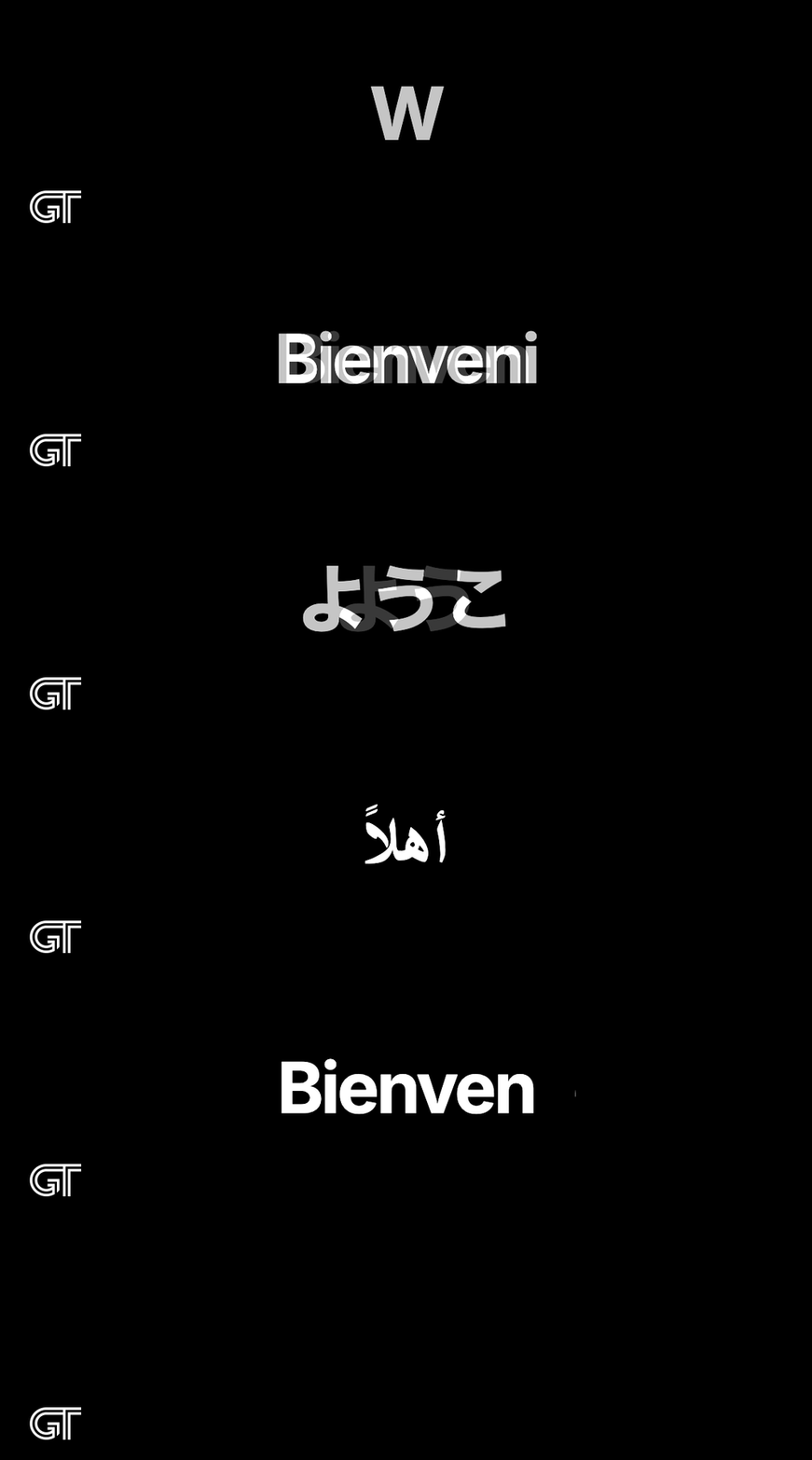
Lottie is a separate Motion tool with its own vector playback model. Import a local .lottie bundle or Lottie JSON document, or begin with the Orbit, Signal, and Geometric Fold examples. Its source library sits to the left of the canvas; playback, appearance, and live-material properties remain visible in the right inspector.
The editor includes play, pause, restart, scrubbing, speed, forward/reverse/bounce modes, looping, interpolation, in/out trimming, contain/cover/fill layout, transparent or solid canvases, and high-resolution frame export. Generic JSON artwork can be recolored directly. .lottie bundles retain embedded colors unless they provide their own named themes.
The Lottie canvas can remain transparent, use a flat brand color, or use the same live material engine and brand-first palettes as Animation and Design Lab. Frame PNG export composites the vector frame over that live background at the selected output size. Download the edited JSON or original .lottie bundle at any time. The LottieFiles link is a discovery route, not a mirrored marketplace: verify the license on the individual animation before using or distributing it. Imported files remain in the browser.
The source drawer exposes raw Lottie JSON for documents that can be represented as text. Apply requires a JSON object with a layers array and numeric fr frame rate. A .lottie bundle is a binary archive, so Glyphfield preserves and downloads that original bundle instead of presenting it as editable JSON.
Animation details
The canvas uses direct manipulation: selecting a state pauses on that frame, dragging moves it, arrow keys nudge it by one canvas pixel, Shift + arrow nudges by ten, and the content corner handle scales it. Separate canvas handles resize the output itself: drag the right or bottom edge for one dimension, or the corner for both. Inspector values, the live dimension readout, and canvas gestures update the same persisted data.
Choose a solid color, two-color gradient, or any material from the shared Shader Library as the sequence background, then transition between states with a crossfade, directional wipe, or radial reveal. The library and background inspector target Entire sequence by default, so changing any material control updates every inheriting frame. Switch to This frame only to create an exception. An inherited frame can return to the shared look with Use sequence background, while Make all frames follow sequence removes all exceptions.
Animation packages
Packages appear as a two-column gallery of real, looping previews instead of text-only options. Cards outside the visible panel stop drawing, and all visible cards share a capped preview clock.
- Morph fade
- Type and delete
- Crossfade
- Scale fade
- Slide fade
Type and delete reveals and removes real characters without a cursor. Morph fade uses blur, opacity, and scale rather than a collapsing vertical wipe, and works across text-to-text, text-to-image, image-to-text, and image-to-image transitions.
Timing
Control hold time, transition time, playback speed, frame rate, loop, and a cubic Bézier curve. Presets include material, snappy, soft, and dramatic curves.
The playhead is deterministic: preview and export resolve from the same timing model. Alignment guides indicate the configured horizontal and vertical center.
GIF and MP4 output
Choose canvas dimensions, frame rate, palette colors, per-frame fit and scale, then export. Email, HD, and 2× presets are included. New and migrated projects default to the GIF format’s full 256-color palette with protected brand/text colors. Seamless mode captures and blends overlap frames, then verifies closure against the real head frame. MP4 uses the browser's supported video codec and includes mixed timeline audio when present.
The same per-frame preparation hook is the basis for Glyphfield's general HTML/canvas-to-GIF pipeline: a source resolves its visual state at an exact timeline position, then the shared renderer captures that state.
Design Lab material motion
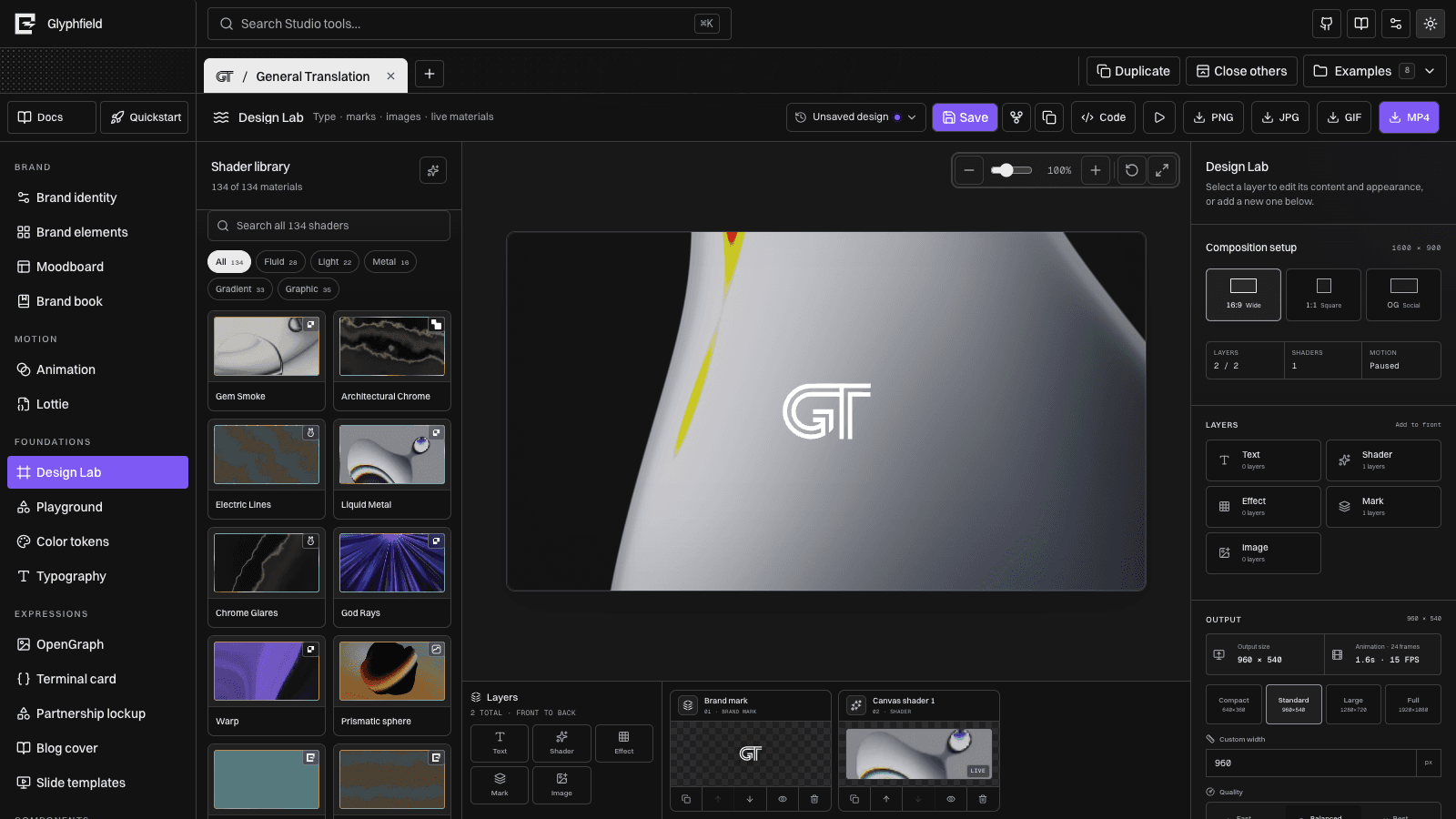
Design Lab composes independent live shader layers with any number of text, mark, image, sticker, and converter layers. A material can cover the canvas or be clipped into one content layer. Every shader owns its colors, form, light, grain, orientation, speed, opacity, blend mode, 0.1×–10× size, and selected timeline frame.
The quality-sorted library changes as materials are added or retired; use /api/materials as the authoritative live count:
- The editable ShaderGradient sphere preset, including three colors, environment brightness, amplitude, density, frequency, strength, grain, rotation, and speed.
- Original Glyphfield mesh, grain, dither, glyph-volume, and GLSL materials.
- Nine original local studies of public Shaders.com visual techniques: Pixel Beams, Soft Register, Spectral Bloom, Pistons, Architectural Chrome, Chroma Flow, Drift, Mosaic, and Circuit.
- Fluid Energy, adapted from Pavel Dobryakov's MIT-licensed WebGL Fluid Simulation.
- 29 Paper shader families with 120 upstream-authored presets.
- Original design studies informed by Evil Rabbit Shaders, GRADIENTOOL, and Grainient, with reference links in the inspector.
- A local custom GLSL editor using the same time, resolution, color, and material uniforms.
Every material color accepts HEX or OKLCH input. The palette picker combines the active brand with considered monochrome, mercury, ultraviolet, signal, copper, arctic, vermilion, cobalt, mineral, paper, and dither starting points. PNG, JPG, GIF, and MP4 export use the same live canvas visible in the preview where that format applies.
Control the material colors, distortion parameters, speed, aspect ratio, logo placement, scale, opacity, and transparent output. Upload a transparent PNG or SVG to replace the identity mark for the current session.
Open Code to edit the complete version 4 canvas document. Ordered elements preserve geometry, visibility, opacity, blend mode, assets, content-bound shader assignments, groups, timeline, and export settings. The drawer and visual inspectors resolve into the same renderer, so a source edit can be refined visually without conversion.
Design Lab material output
- Download PNG for a still frame.
- Download GIF to capture animated material with raw or verified seamless looping.
- Download MP4 for higher-fidelity motion or shader-cut sequences.
- Choose output width, quality, frame rate, duration, and wide, square, or OpenGraph ratio.
- Transparent logo output preserves alpha when the selected target supports it.
WebGL and motion capture use the browser renderer. Agents can operate them through window.glyphfield.studio; use unified design.export with download: true to render and save in one call.
See Source code editing for the round-trip workflow and Source format reference for exact constraints.